Ignite
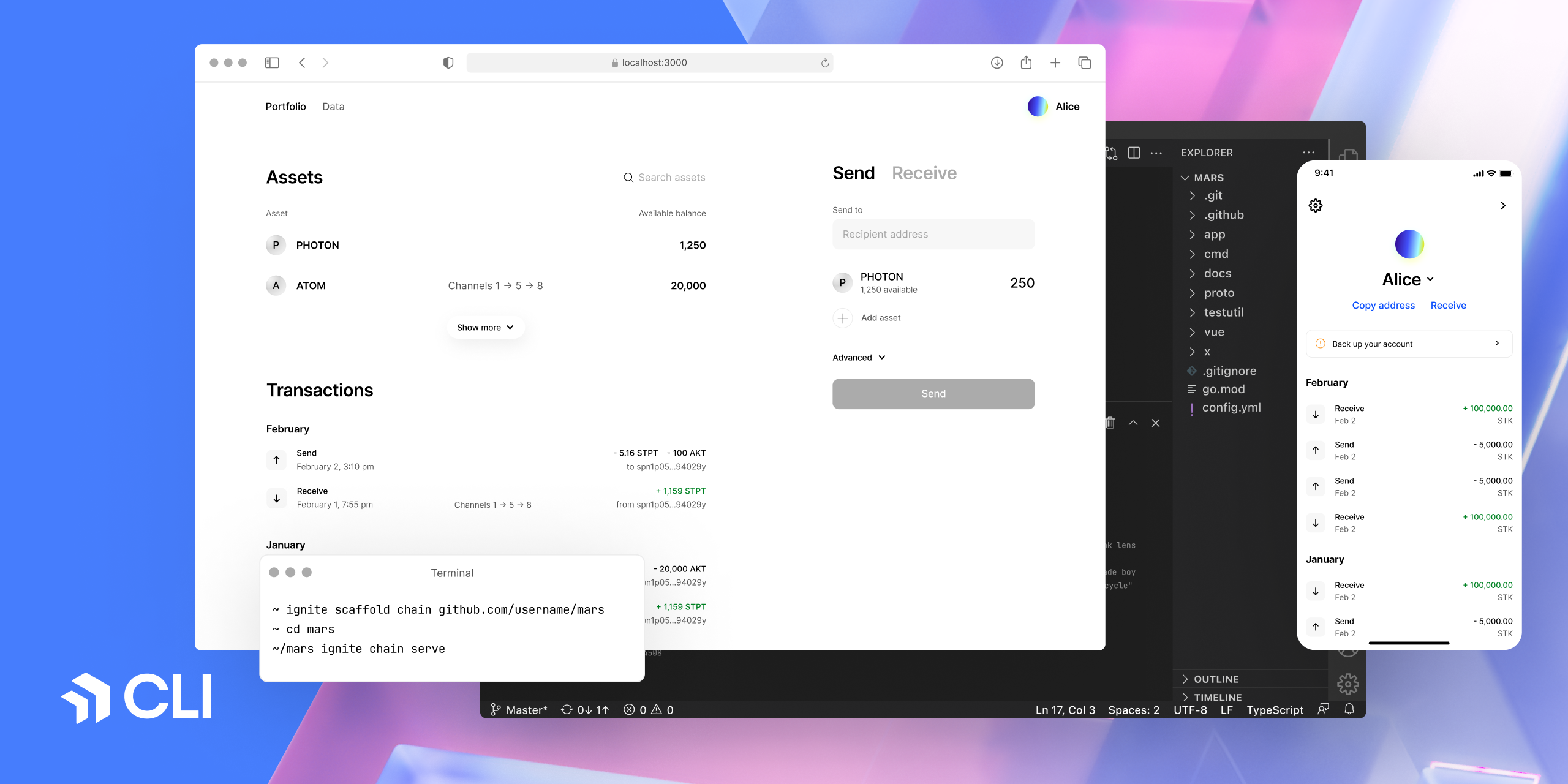
[Ignite CLI](https://ignite.com/cli) is the all-in-one platform to build,
launch, and maintain any crypto application on a sovereign and secured
blockchain. It is a developer-friendly interface to the [Cosmos
SDK](https://github.com/cosmos/cosmos-sdk), the world's most widely-used
blockchain application framework. Ignite CLI generates boilerplate code for you,
so you can focus on writing business logic.
## Quick start
Ignite CLI can be installed using popular package managers such as Homebrew and Snap, making it easy to stay up-to-date with the latest versions. These package manager installations are maintained regularly for both macOS and GNU/Linux. For those who prefer manual installation or need to set up a development environment, additional instructions are provided at the end of this section.
### Installation
Install Ignite using [Homebrew](https://formulae.brew.sh/formula/ignite) on macOS and GNU/Linux:
```sh
brew install ignite
```
Or manually using the following command:
```sh
curl https://get.ignite.com/cli! | bash
```
Troubleshoot
If Ignite doesn't automatically move to your `/usr/local/bin` directory, use the following command:
```sh
sudo mv ignite /usr/local/bin
```
If you encounter an error, you may need to create the `/usr/local/bin` directory and set the necessary permissions:
```sh
mkdir /usr/local/bin
sudo chown -R $(whoami) /usr/local/bin
```
To create and start a blockchain:
```sh
ignite scaffold chain mars
cd mars
ignite chain serve
```
The instructions for installing Ignite CLI manually and configuring your system are provided below.
View development setup instructions
#### Supported Operating Systems
- GNU/Linux
- macOS
#### Install Go
1. Install the latest version of Go.
2. Download the release suitable for your system.
3. Follow the installation instructions.
**Note:** We recommend not using `brew` to install Go.
#### Add the Go bin Directory to Your PATH
1. Edit your `~/.bashrc` file and add the following line:
```sh
export PATH=$PATH:$(go env GOPATH)/bin
```
2. Apply the changes:
```sh
source ~/.bashrc
```
#### Remove Existing Ignite CLI Installations
1. Remove the Ignite CLI binary:
```sh
rm $(which ignite)
```
You may need to run this with `sudo`.
2. Repeat the step until all Ignite CLI installations are removed.
#### Install Ignite CLI
```sh
curl https://get.ignite.com/cli! | bash
```
#### Clone the Ignite CLI Repo
1. Clone the repository:
```sh
git clone --depth=1 git@github.com:ignite/cli.git
```
2. Change to the `cli` directory:
```sh
cd cli
```
#### Run make install
```sh
make install
```
#### Verify Your Ignite CLI Version
```sh
ignite version
```
Alternatively, you can open Ignite CLI directly in your web browser via [GitHub Codespaces](https://github.com/features/codespaces): [Open in GitHub Codespaces](https://github.dev/ignite/cli).
## Documentation
To learn how to use Ignite CLI, check out the [Ignite CLI
docs](https://docs.ignite.com). To learn more about how to build blockchain apps
with Ignite CLI, see the [Ignite CLI Developer
Tutorials](https://tutorials.ignite.com).
To install Ignite CLI locally on GNU, Linux, or macOS, see [Install Ignite
CLI](https://docs.ignite.com/welcome/install).
To learn more about building a JavaScript frontend for your Cosmos SDK
blockchain, see [ignite/web](https://github.com/ignite/web).
## Questions
For questions and support, join the official [Ignite
Discord](https://discord.gg/ignite) server. The issue list in this repo is
exclusively for bug reports and feature requests.
## Cosmos SDK compatibility
Blockchains created with Ignite CLI use the [Cosmos
SDK](https://github.com/cosmos/cosmos-sdk) framework. To ensure the best
possible experience, use the version of Ignite CLI that corresponds to the
version of Cosmos SDK that your blockchain is built with. Unless noted
otherwise, a row refers to a minor version and all associated patch versions.
| Ignite CLI | Cosmos SDK | IBC | Notes |
| ----------- | ----------------- | -------------------- | ------------------------------------------------------------- |
| v29.x.y | v0.50.x & v0.53.x | v10.2.0 | Originally in v0.53.x. Can work with v0.50.x. |
| v28.x.y | v0.50.x & v0.53.x | v8.0.0 | Originally in v0.50.x. Can work with v0.53.x. |
| v0.27.1 | v0.47.3 | v7.1.0 | - |
| v0.26.0 | v0.46.7 | v6.1.0 | - |
| v0.25.2 | v0.46.6 | v5.1.0 | Bump Tendermint version to v0.34.24 |
| v0.25.1 | v0.46.3 | v5.0.0 | Includes Dragonberry security fix |
| ~~v0.24.0~~ | ~~v0.46.0~~ | ~~v5.0.0~~ | This version is deprecated due to a security fix in `v0.25.0` |
| v0.23.0 | v0.45.5 | v3.0.1 | |
| v0.21.1 | v0.45.4 | v2.0.3 | Supports Cosmos SDK v0.46.0-alpha1 and above |
| v0.21.0 | v0.45.4 | v2.0.3 | |
| v0.20.0 | v0.45.3 | v2.0.3 | |
| v0.19 | v0.44 | v1.2.2 | |
| v0.18 | v0.44 | v1.2.2 | `ignite chain serve` works with v0.44.x chains |
| v0.17 | v0.42 | Same with Cosmos SDK | |
To upgrade your blockchain to the newer version of Cosmos SDK, see the
[Migration guide](https://docs.ignite.com/migration).
## Ignite Apps
[Ignite Apps](https://ignite.com/marketplace) aims to extend the functionality of Ignite CLI, offering both official and community-contributed integrations. These integrations are designed to streamline development processes and offer valuable insights for blockchain app developers.
### Discover Ignite Apps
You can discover available Ignite Apps in the [Ignite Marketplace](https://ignite.com/marketplace). The marketplace features a variety of apps that can enhance your development experience, including tools for scaffolding, deploying, and more.
### How to Install an Ignite App
```bash
ignite app install -g github.com/ignite/apps/[app-name]
```
The `ignite app list` command allows to list the plugins and their status, and to
update a plugin if you need to get the latest version.
### How to Create an App
Scaffold your Ignite app with one simple command:
```bash
ignite scaffold app path/to/your/app
```
Afterwards, install using:
```bash
ignite app install -g path/to/your/app
```
For more information, refer to [Creating Ignite Apps](https://docs.ignite.com/apps/developing-apps).
Also check out the section of our [example Apps](https://github.com/ignite/apps/tree/main/examples).
## Contributing to Ignite CLI
We welcome contributions from everyone. The `main` branch contains the
development version of the code. You can create a branch from `main` and
create a pull request, or maintain your own fork and submit a cross-repository
pull request.
Our Ignite CLI bounty program provides incentives for your participation and
pays rewards. Track new, in-progress, and completed bounties in the [GitHub Issues
board](https://github.com/ignite/cli/issues?q=is%3Aissue+is%3Aopen+label%3Abounty).
**Important** Before you start implementing a new Ignite CLI feature, the first
step is to create an issue on GitHub that describes the proposed changes.
If you're not sure where to start, check out [contributing.md](contributing.md)
for our guidelines and policies for how we develop Ignite CLI. Thank you to
everyone who has contributed to Ignite CLI!
## Community
Ignite CLI is a free and open source product maintained by
[Ignite](https://ignite.com). Here's where you can find us. Stay in touch.
- [ignite.com website](https://ignite.com)
- [@ignite on Twitter](https://x.com/ignite)
- [ignite.com/blog](https://ignite.com/blog)
- [Ignite Discord](https://discord.com/invite/ignitecli)
- [Ignite YouTube](https://www.youtube.com/@ignitehq)
- [Ignite docs](https://docs.ignite.com)
- [Ignite jobs](https://ignite.com/careers)





